For Small Businesses
A link in bio for
your small business
Directions, reviews, booking, your menu and a WhatsApp chat — behind one link for your Instagram bio, Google Business Profile or printed flyer.
Start free. No credit card required.
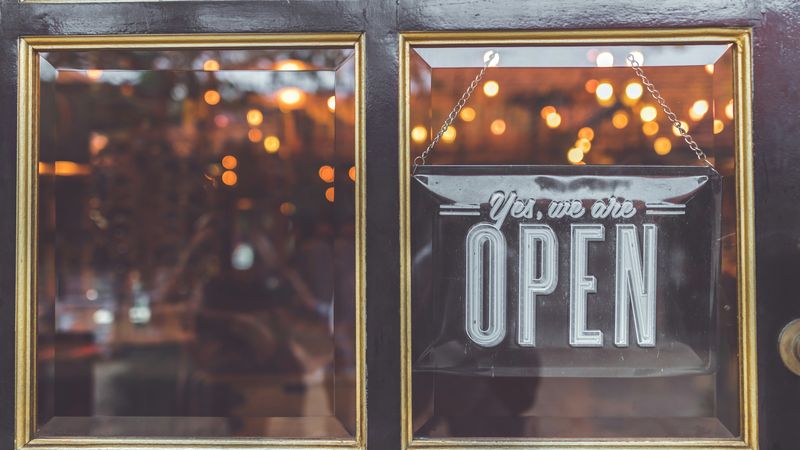
What to put on a small business link in bio
Customers tap your bio link to answer one question fast: where are you, what do you sell, and how do they book or get in touch.
Directions
Your Google Maps location, so customers get directions in one tap. The Share link from the Maps app (maps.app.goo.gl) works.
Reviews
Your Google review link, Yelp page or TripAdvisor listing. Make it easy for happy customers to leave a review.
Booking
Booksy, Vagaro, Fresha, Square Appointments, Calendly or Acuity for appointments, OpenTable or Resy for tables, and Eventbrite for classes and events.
Messages
A WhatsApp chat or group link, Messenger or Telegram, so customers can ask a question without hunting for your number.
Menu, prices and forms
Upload your menu or price list as a PDF to Google Drive and link it. Take enquiries or orders with a Google Form.
Click counts
See how many people visit your page and how many clicks each link gets, so you know whether your Instagram bio is bringing in customers.
Example pages by type of business
A good order to put your links in, most-tapped first:
Restaurants & cafes
- Menu (PDF on Google Drive)
- Order on DoorDash or Uber Eats
- Google Maps directions
- Google reviews
Salons, studios & trainers
- Book on Booksy, Vagaro or Fresha
- Price list (Google Drive)
- Google Maps directions
- Google reviews
- TikTok
Freelancers & agencies
- Book a call (Calendly)
- Portfolio on Behance or Google Drive
- Enquiry form (Google Forms)
Events & makers
- Tickets on Eventbrite
- Shop on Etsy or Amazon
- Google Maps directions
- WhatsApp group
Problems we solve
"Customers can't find our hours, menu, or booking page"
Put them on one page: your menu or price list, Google Maps location, booking link, reviews and social profiles. Share that one link everywhere — Instagram bio, Google Business Profile, flyers and email signature.
"We're paying too much for a simple link page"
SocialsLink has a free plan. Pro is US$4/month for advanced analytics, 26 themes and no branding. That's less than one coffee — and 73% less than Linktree Pro.
"We don't know if our social media is actually driving customers"
The free plan counts page views and clicks on every link. If the booking link gets clicks after you post, your Instagram is doing its job.
Put your link everywhere
Small business link in bio: common questions
What should a small business put in its link in bio?
The four things customers look for first: how to find you (Google Maps), what you offer (menu or price list), how to book or order, and proof you are good (Google reviews or Yelp). Add your social profiles and a WhatsApp chat link after those.
Is there a free link in bio for small businesses?
Yes. SocialsLink has a free plan with page view and click counts. You can upgrade later for more themes, detailed analytics and no SocialsLink branding.
Can I link to my own website?
Yes, with Pro (US$4/month). Free pages link to approved platforms — Google Maps, Yelp, Square, Booksy, Vagaro, OpenTable, DoorDash, Uber Eats, Shopify stores, WhatsApp and the major social networks among them. Pro pages can also link any secure (https) website, like your own site or online menu. Short links and look-alike domains are refused on every plan, and every website link is checked against Google’s list of unsafe sites before visitors see it.
Where do I share my link?
Your Instagram and TikTok bio, the website field of your Google Business Profile, your Facebook page, email signature, and printed on flyers or table cards as a QR code.
Make it easy for customers to find you
Create your free business page in 60 seconds. No technical skills needed.
Get Started FreeStart free. Pro for just US$4/month.