Where Links Work on Instagram
Instagram turns a web address into a tappable link in only a few places. Type a URL into a caption or a comment on a free account and it stays plain text, which is why so many posts end with "link in bio".
In September 2026 Meta added a paid option, Meta One, that unlocks a few clickable links in posts and Reels each month. Here is the full picture:
| Where | Free account | With Meta One |
|---|---|---|
| Stories | Link sticker | Same |
| Bio | Up to 5 links | Up to 20 links, with titles and images |
| Captions | Not clickable | 4–12 a month (Advanced and up) |
| Reels | Not clickable | 4–12 a month (Advanced and up) |
| Comments | Not clickable | Not clickable |
| DMs | Clickable | Clickable |
| Linked Reels | Removed 28 Oct 2026 | Removed |
As of 1 November 2026. Meta One launched on 15 September 2026; plan allowances come from Meta's help center and published plan breakdowns, and Meta says prices and availability vary by region. Sources are listed at the end of the article.
How to Add a Link to Your Instagram Bio
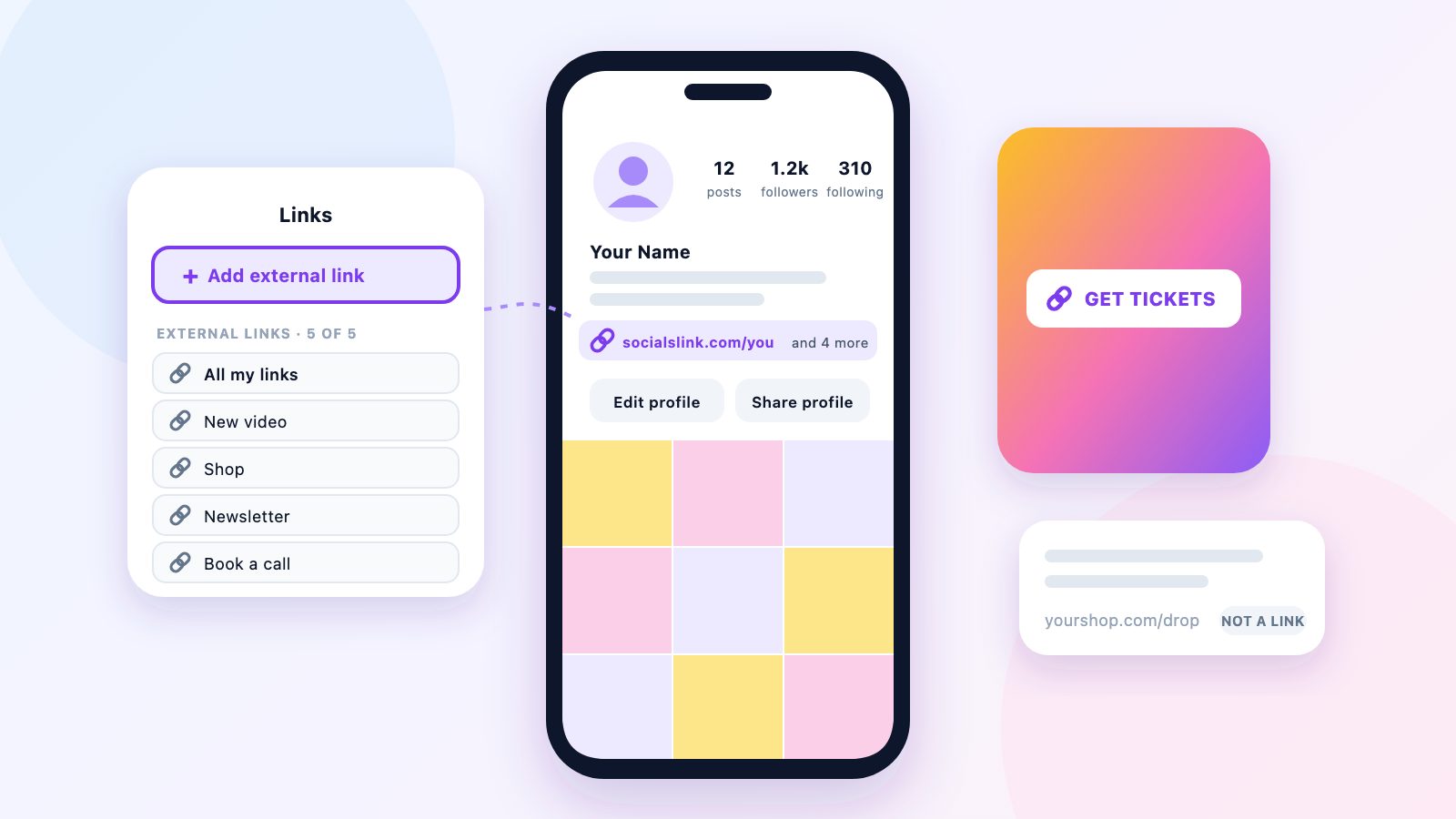
Personal, creator and business accounts can all add up to five links to their profile for free.
1. Open your profile and tap Edit profile.
2. Tap Links.
3. Tap Add external link, paste the URL, tap Done.
4. Your profile shows the first link; the rest sit behind “more”.
- 1Open your profile and tap Edit profile.
- 2Tap Links.
- 3Tap Add external link.
- 4Paste the URL (starting with https://), add a title if you want one, and tap Done.
- 5Repeat for up to five links.
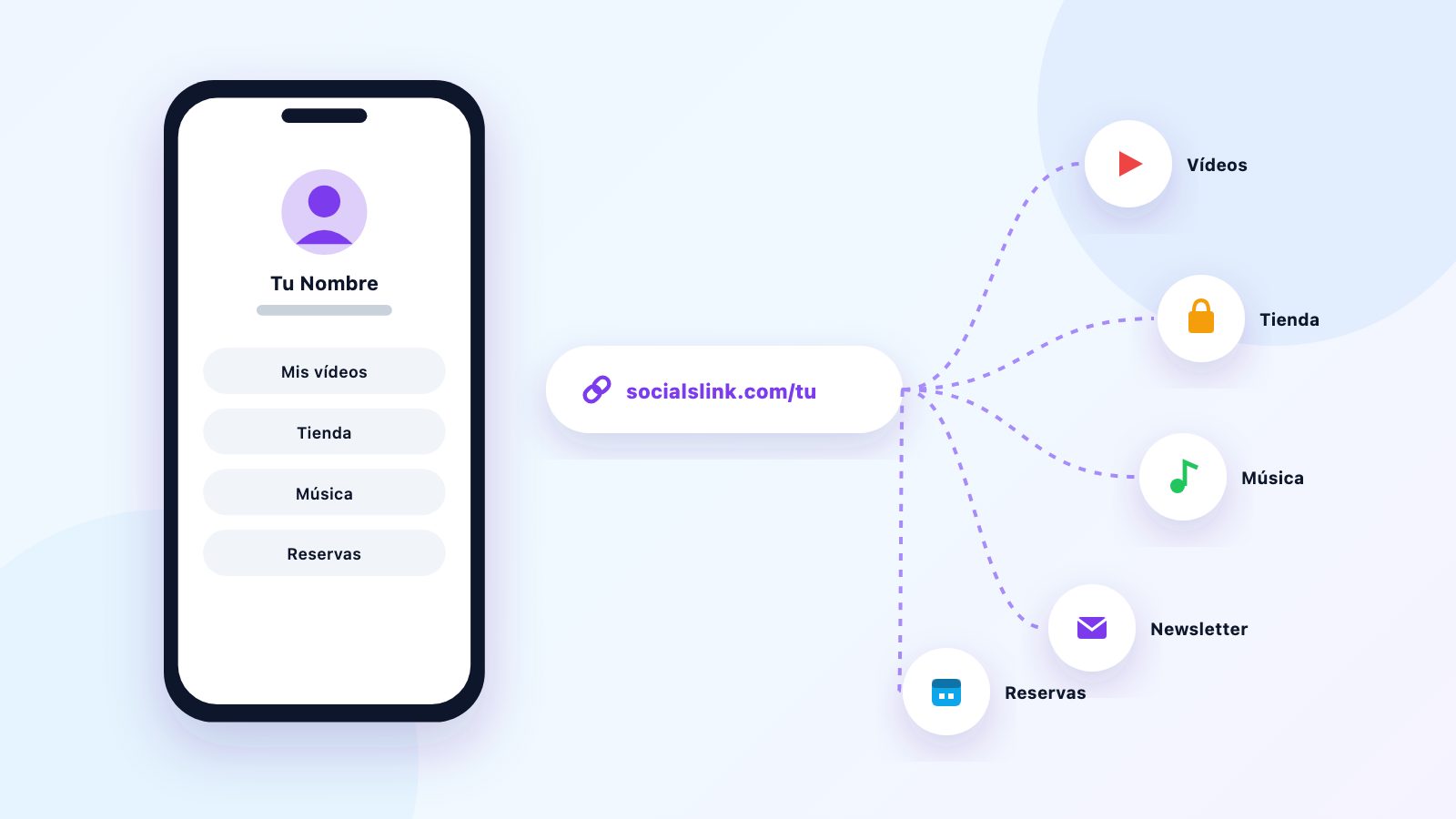
Your profile shows one link up front and folds the rest behind a short "and more" line, so most visitors only ever see the first. Make that one count. If it points to a link-in-bio page, it can lead to everything else.
How to Change or Remove a Link in Your Bio
A dead link in your bio is often the first thing a new visitor taps, so check your links every few months.
- 1Go to your profile, tap Edit profile, then Links.
- 2Tap the link you want to change.
- 3Edit the URL or title and tap Done, or tap Remove link and confirm.
Can You Add a Link to an Instagram Post?
On a free account, no. Web addresses in captions show as plain text that nobody can tap.
Meta began testing clickable caption links in March 2026 with a small group of Meta Verified subscribers. Since September they are part of Meta One: the Advanced plan and above include a set number of clickable links in posts each month (4 on Advanced, 8 on Expert and 12 on Max, according to published plan breakdowns).
Without paying, there are three ways to send people from a post to a link:
- Say "link in bio" in the caption, and keep your first bio link current.
- Share the post to your Story and put a Link sticker on top: tap the paper plane under the post, then Add to story.
- Send the link in DMs. Links in direct messages are tappable, which makes them the easy answer to "where can I buy this?"
Can You Add a Link to an Instagram Reel?
Not on a free account. Reels treat URLs the same way captions do. Meta One's Advanced plan and above include a monthly allowance of clickable links in Reels, with the same counts as posts.
One Reels link feature went the other way. Instagram added a way to link Reels together into a series in August 2025, and in October 2026 it told creators the feature would be removed from 28 October. Existing links between Reels are removed; the Reels and their views stay.
The free options are the same as for posts: a "link in bio" line, a pinned comment pointing to your bio, and sharing the Reel to your Story with a Link sticker. The full Story steps are in how to add a link to your Instagram Story.
Meta One's Link Page vs a Free Link-in-Bio Page
Meta One is Meta's paid subscription for Instagram, Facebook, WhatsApp and Meta AI, launched on 15 September 2026. Its creator and business plans swap your five bio links for a link page with up to 20 links, each with its own title and image, and let you set a primary link. Meta's help center says the feature needs an eligible account, is not available to teens, and is still rolling out in some regions.
Prices are per profile, per month, and differ by region. Published breakdowns list the creator plans like this:
| Plan | Price a month | Bio links (max) | Post links | Reel links |
|---|---|---|---|---|
| Free | $0 | 5 | None | None |
| Essential | $12–15 | 20 | None | None |
| Advanced | $40–50 | 20 | 4 a month | 4 a month |
| Expert | $119–149 | 20 | 8 a month | 8 a month |
| Max | $399–499 | 20 | 12 a month | 12 a month |
Meta One creator and business plans, as of 1 November 2026. Prices are approximate, in US dollars, per Instagram profile: published figures differ between sources and Meta says they vary by region, so check the price shown in your app. Meta's help center says the link page needs an eligible account and is not available to teens.
Which one makes sense?
If Instagram is your only platform and you want everything inside the app, the Essential plan is a tidy option, and the higher plans make sense if clickable post links will earn back $40 or more a month.
If you also post on TikTok, YouTube, Twitch or X, a link-in-bio page does the bio part everywhere for free: put its address in your first Instagram link and your Story stickers, and update one page when things change. SocialsLink's free plan includes your links on one page, basic analytics and email capture. Make a free page, or see how it compares on Linktree's prices.
Every Way to Share a Link on Instagram
- Bio: up to 5 links, free. Your main, permanent link.
- Stories: a Link sticker, free. Best for launches and offers with a deadline.
- Highlights: keep Story links on your profile after the 24 hours are up.
- DMs: tappable links, free. Good for answering questions one person at a time.
- Posts and Reels: clickable only on Meta One Advanced and up; otherwise "link in bio".
- Ads: paid ads can carry a button that opens your link.
Not sure what to put behind your bio link? See 15 Instagram bio link ideas, or, for musicians, how to promote your music on Instagram.
Sources
- Meta Help Center, How to add a link page to your Instagram bio with Meta One (20-link page, eligible plans, teens excluded)
- Forbes, 15 September 2026, Meta One turns Instagram, WhatsApp and Meta AI into a subscription
- ReelDrop, Meta One plans and prices, and VentureWrite, Meta One link allowances (the two list different prices)
- Engadget, March 2026, Meta is testing clickable links in Instagram captions
- Self Employed, October 2026, Instagram is removing Reels series linking starting October 28
- Search Engine Land, April 2023, Instagram now allows up to 5 links in bio
- 9to5Mac, 27 October 2021, Instagram link stickers now rolling out to everyone
Frequently Asked Questions
How many links can you have in your Instagram bio?
Up to five on a free account. Meta One creator and business plans replace them with a link page that holds up to 20 links, each with a title and image.
Why isn't the link in my Instagram bio clickable?
Instagram only makes links clickable in the Links section of Edit profile. A web address typed into the bio text itself stays plain text. Move it to Edit profile, Links, Add external link.
Can you put a clickable link in an Instagram caption?
Not on a free account. Clickable caption links come with Meta One's Advanced plan and above, which include a small number of post links each month. Otherwise, use your bio link or a Story Link sticker.
Can you add a link to an Instagram Reel?
Only on a Meta One plan that includes Reels links (Advanced and above). On a free account, point viewers to your bio or share the Reel to your Story with a Link sticker.
What is Meta One?
Meta One is Meta's paid subscription for Instagram, Facebook, WhatsApp and Meta AI, launched on 15 September 2026. Single-app plans start at $2.99 a month; the creator and business plans that include the Instagram link page start at roughly $12 to $15 per profile a month, depending on region.
Do I need a business account to add links on Instagram?
No. Personal, creator and business accounts can all add up to five bio links and use the Story Link sticker. A professional account, which is free, adds insights such as how many people tapped a Story link.
Your first Instagram link, pointing to everything — free
Set up your free SocialsLink page in 60 seconds. No credit card required.
Get Started Free